How to prepare a photo of your cat for a personalised creation?
Before thinking about format or printing, start with the images you love. A small selection of original files gives you more choice when it comes to creating.
1. Choose the moment before choosing the product
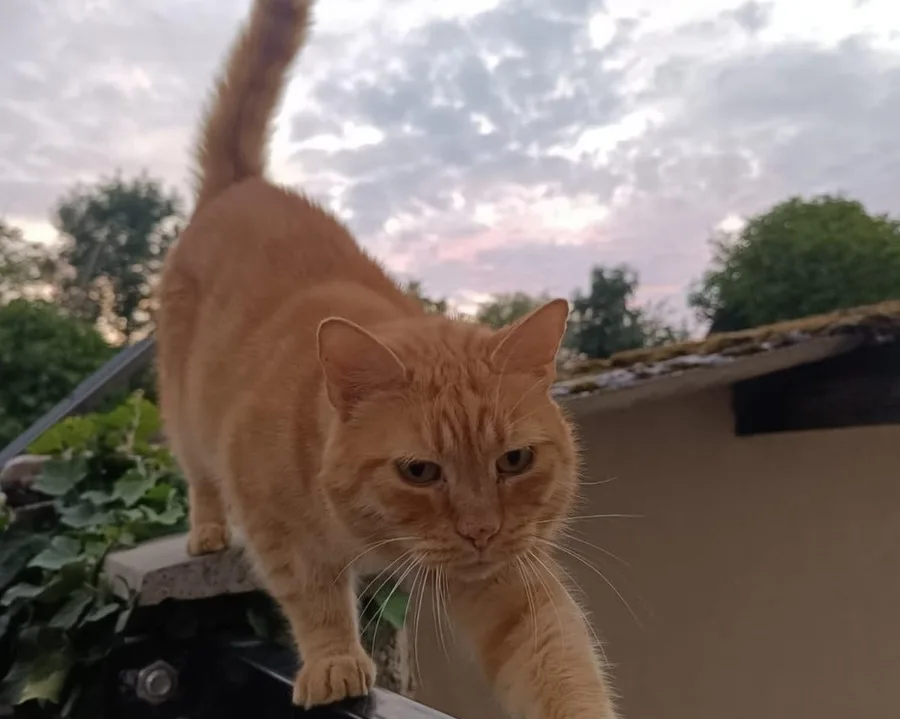
First look for a photo that means something to you: a gaze, their favourite spot or a scene from your daily life. The memory does not need to be a perfect pose.
For a mug or a poster, a single image can be enough to carry the idea. For an album, you can start gathering several scenes and periods.
2. Keep the original file
Keep the original photo from your phone or camera when you have it. A screenshot or an image retrieved after several shares may have lost details.
Do not replace the original with a cropped or filtered version: keep both if you want to try out an effect. The original version leaves more options when preparing the image.
3. Check sharpness and the space around the cat
Open the photo and look at the face: can you make out their gaze and expression? A dark or blurry photo can be very endearing; also prepare another image so you can compare.
Leave a little of the setting around the cat rather than cropping very tightly right now. The format of the item and the printing limits may call for a different composition.
4. Make a small selection that is easy to find
Create a folder with your favourites. For an album or a calendar, you can note the period and the story you associate with each image.
Avoid choosing the final number of photos before you know the product. Formats, layouts and technical requirements will be specified before the sale.
5. No photo to send for the launch list
The Oh Miaou waiting list only asks for the information needed for your sign-up and your choices. You do not need to send a photo today.
At launch, the personalisation steps and the final characteristics will be presented before any order. If you want a new shoot, you can also show your interest in the photographer service, depending on upcoming availability.